01
Centralized Document Storage
Keep business documents together in a structured, easy-to-navigate workspace.
Securely organize, access, track, and manage all your business documents from one intelligent platform. Empower your team with smarter document workflows and centralized control.
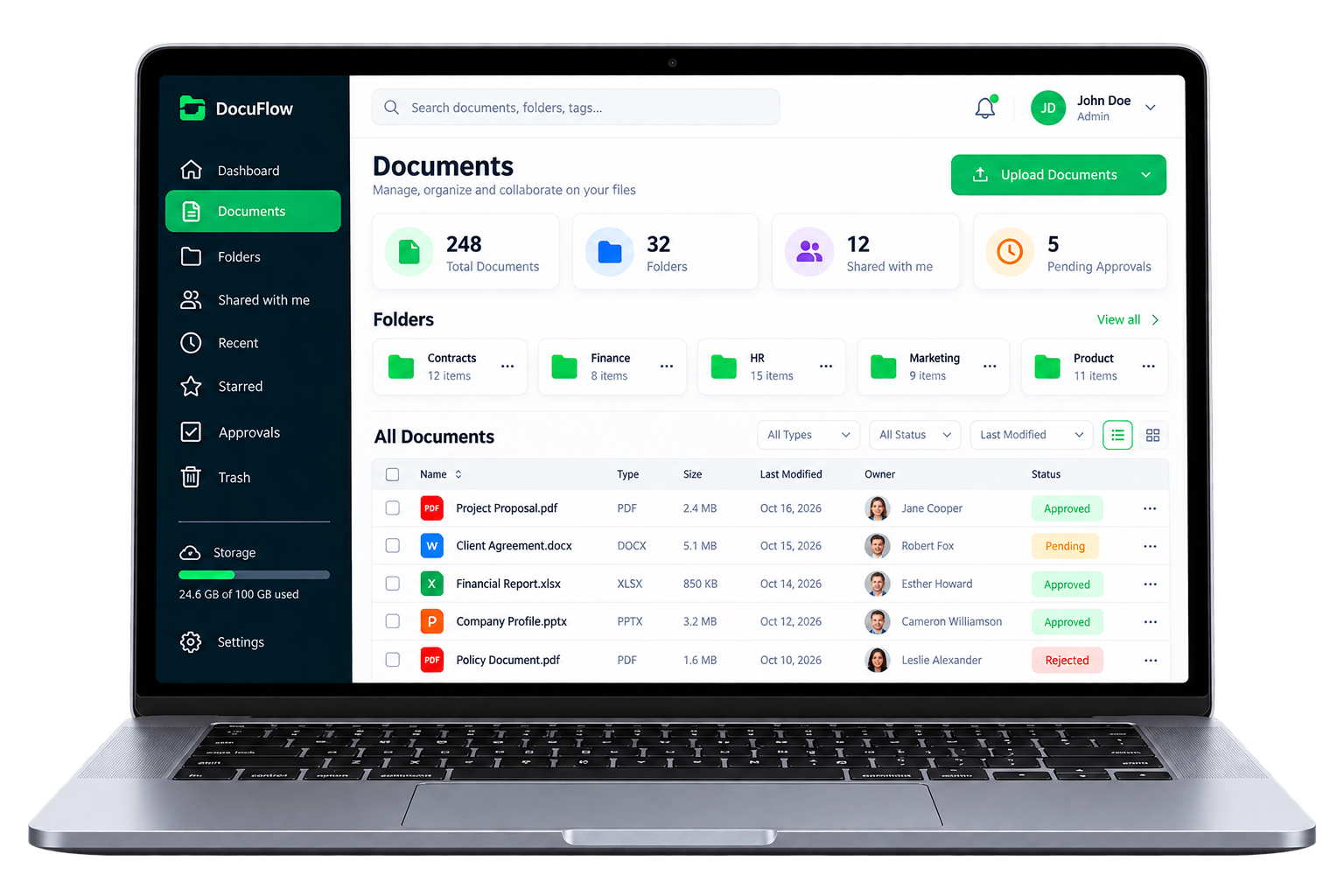
Designed to bring everyday document work together
Bring files, access, and day-to-day document work into a clear workspace designed around the way your team operates.
Keep business documents together in a structured, easy-to-navigate workspace.
Locate files with workspace search, useful details, and organized folders.
Align document access with user roles and responsibilities.
Give colleagues a shared place to coordinate around important files.
Make review steps and approval status more visible to the people involved.
Keep document revisions organized and easier to follow over time.
Review document activity and follow important changes in context.
Share documents with appropriate people and maintain clear access control.
Organize team members and permissions from a clear administrative view.
Bring important business documents into one organized digital workspace. Spend less time searching, make information easier to share, and create clearer everyday processes.
Keep business documents together in a structured digital workspace.
Locate files faster with organized folders and searchable document details.
Align document visibility with assigned user roles and responsibilities.
Build a consistent library that makes important information easier to find.
Give colleagues a shared place to coordinate around the right documents.
Bring review steps and everyday document handling into a clearer process.
A practical lifecycle gives teams a shared way to handle documents as they move through day-to-day work. Available steps depend on your organization's processes and software configuration.
Prepare and manage essential business documents.
Add working files to a centralized workspace.
Apply folders, categories, and useful context.
Examine content and coordinate feedback.
Record a decision through your team's process.
Keep completed records organized for reference.
A product preview with folders, files, approvals, activity, and team context—designed to make busy document work feel more manageable.
Organize business documents and simplify everyday operations through a structured digital process.
Bring important digital files into one centralized document workspace.
Arrange documents into structured folders and categories for easier access.
Find documents, manage access, and coordinate work with your team.
When your team can find what they need and work together with confidence, good things follow.
Spend less of the day hunting through folders and asking for files.
Keep people aligned with shared files and clear, simple access.
Bring your business information together with thoughtful access control.
Replace repetitive document tasks with smoother ways to work.
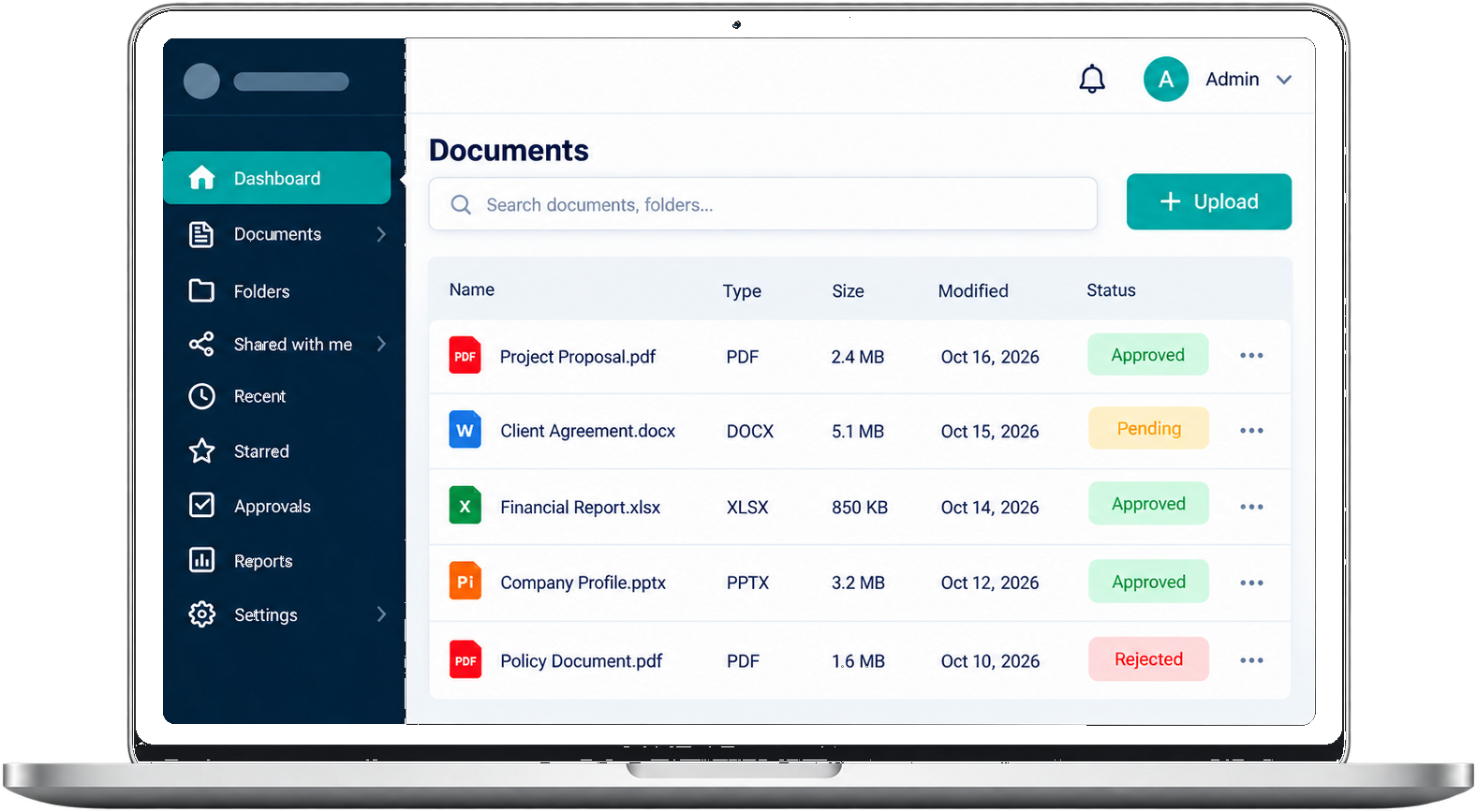
A centralized document management approach can reduce everyday friction and make business information easier to organize, find, and share.
Use clear access policies and document-handling practices to keep important information under control. Specific security features must be confirmed for the software and configuration in use.
Define appropriate access privileges for each user, where supported.
Align document access with organizational responsibilities.
Review document-related activity if tracking is available in your configuration.
Set clear sharing practices around sensitive business documents.
Use available revision history to understand document changes.
Confirm retention, backup, and recovery options with your software provider.
Clear roles help teams manage documents with the right level of access and oversight.
Manage the complete platform, users, settings, and permissions from a central administrative role.
Organize documents, manage staff, and coordinate department-level access.
Upload, view, search, and collaborate on documents available to their role.
Different organizations handle different records. A document management solution can support clearer organization and access practices when configured for each team's requirements.

Organize administrative records, patient-related documentation, and operational files with appropriate privacy controls.

Keep academic documents, institutional records, and administrative information easier to navigate.
Structure financial reports, statements, and internal business documentation for easier retrieval.

Organize contracts, agreements, case files, and related legal documentation.

Manage operational reports, production records, and quality documentation in a structured library.

Organize HR documents, company policies, and internal business records for teams.
Clear structure and shared practices help people spend less effort managing files and more effort on the work around them.
Centralized folders, consistent categories, and clear file naming help teams maintain an organized library as information grows.
When colleagues can locate the right information and understand how it is shared, communication across departments becomes easier to coordinate.
Replacing scattered documents and manual handoffs with a structured digital workspace can make everyday processes more consistent.
Practical document management starts by identifying where information gets lost, duplicated, or delayed, then agreeing on clear practices for the whole team.
Clear answers about document organization, access, collaboration, and choosing a DMS.
Document management software gives a team a shared way to organize, find, access, and track business documents.
The product is presented with role-based access for Super Admins, Admins, and Staff Members. Exact permissions should be confirmed against your configured application.
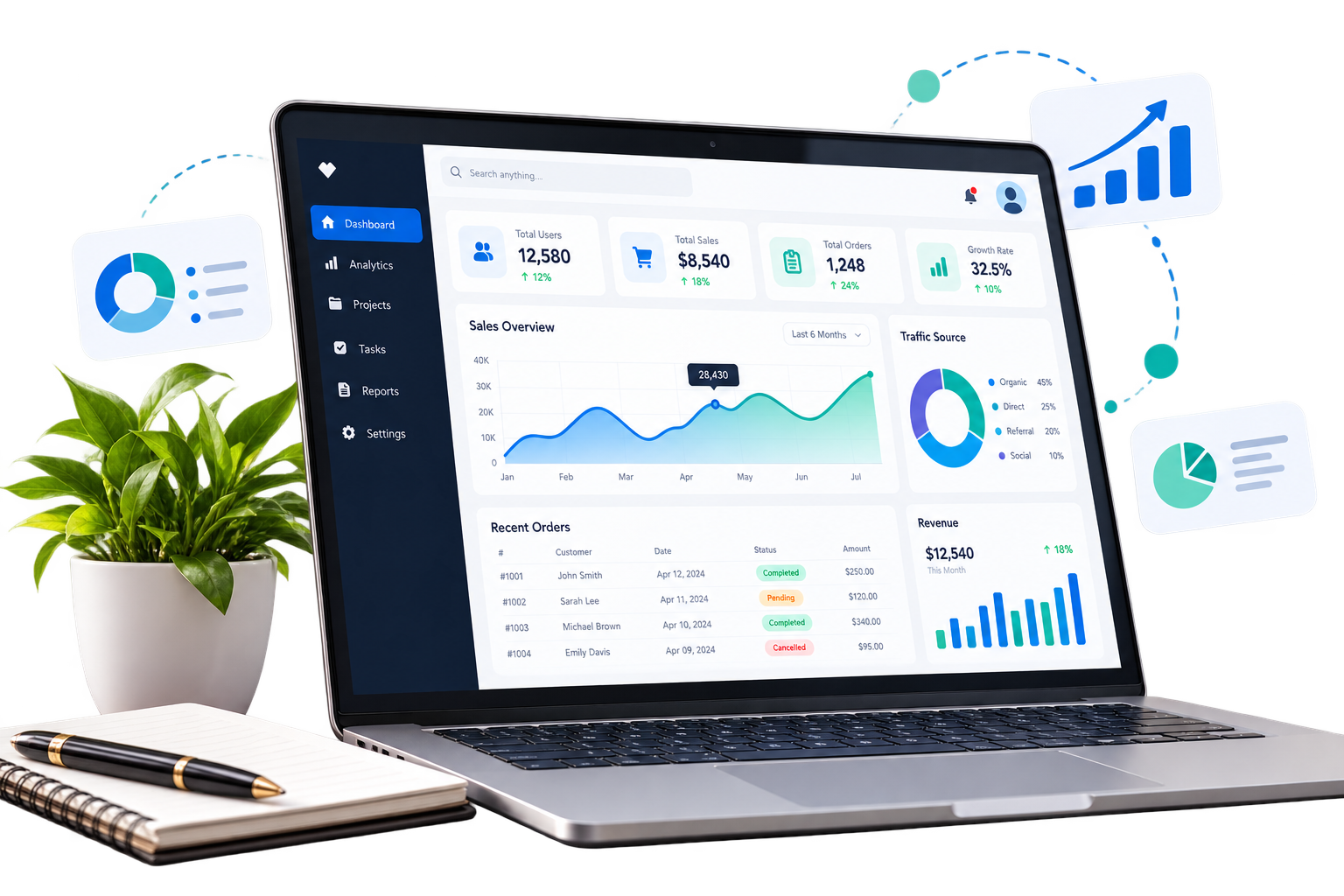
No. The dashboard illustrations use sample data for presentation only and do not connect to a database or modify documents.
The contact form validates the fields in your browser only. It does not send or store submissions until it is connected to a service.
Document Management Software can reduce time spent locating files by keeping documents in a structured workspace. The impact depends on how the system is configured and adopted by the team.
Folder organization is a common way to group documents by team, project, or subject. Available organization tools vary by DMS.
A central library can make it easier to find the current document, apply consistent organization, and share information through agreed access practices.
Access management assigns permissions to people or roles. Confirm the available permission controls and audit requirements with your software provider.
Teams can coordinate around shared documents when the selected software supports the needed access and collaboration features.
Many DMS platforms can organize common office files and records. Supported file types, size limits, and retention rules depend on the software.
Start by identifying document types, users, access needs, retention requirements, and current workflows. Then evaluate a DMS against those requirements before migrating files.
Explore a more structured way to organize, access, and manage business documents and everyday workflows.
Have a question or want to explore the document workspace? Leave your details for the team.
Share what your team needs. Add your company’s verified contact details here before publishing.